FolioBook scanner

Book scanner

Turn printed pages into clean, organized digital copies.

Scan workspace

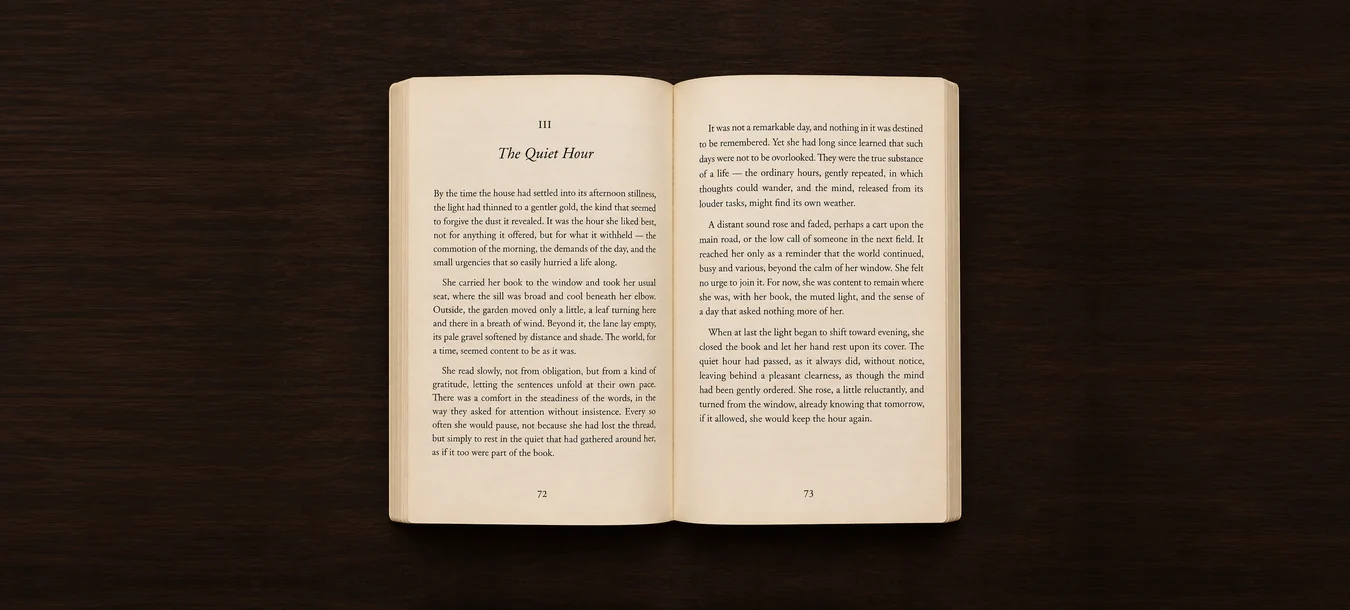
Start by framing a fully opened book.
Standby
Alignment guide
Place both pages inside the frame

Scanned pages

0
No pages yet

Your captured pages will appear here.

Scanning guide

  1. On iPhone, use Take photo for one page or Live scan to frame a spread.
  2. Aim your camera straight down at an open book. Use even light and a dark, contrasting surface.
  3. Drag the corners to match the page edges and drag the center marker to the binding. Remove your hands, then calibrate.
  4. Turn a page and wait for the next automatic capture. Keep your hands clear and the pages flat. You can also use the shutter manually.
  5. Review any flagged pages and retake them before exporting.

Export scans

Choose how to save your pages.

Clear all scans?

This removes every scanned page from this device.